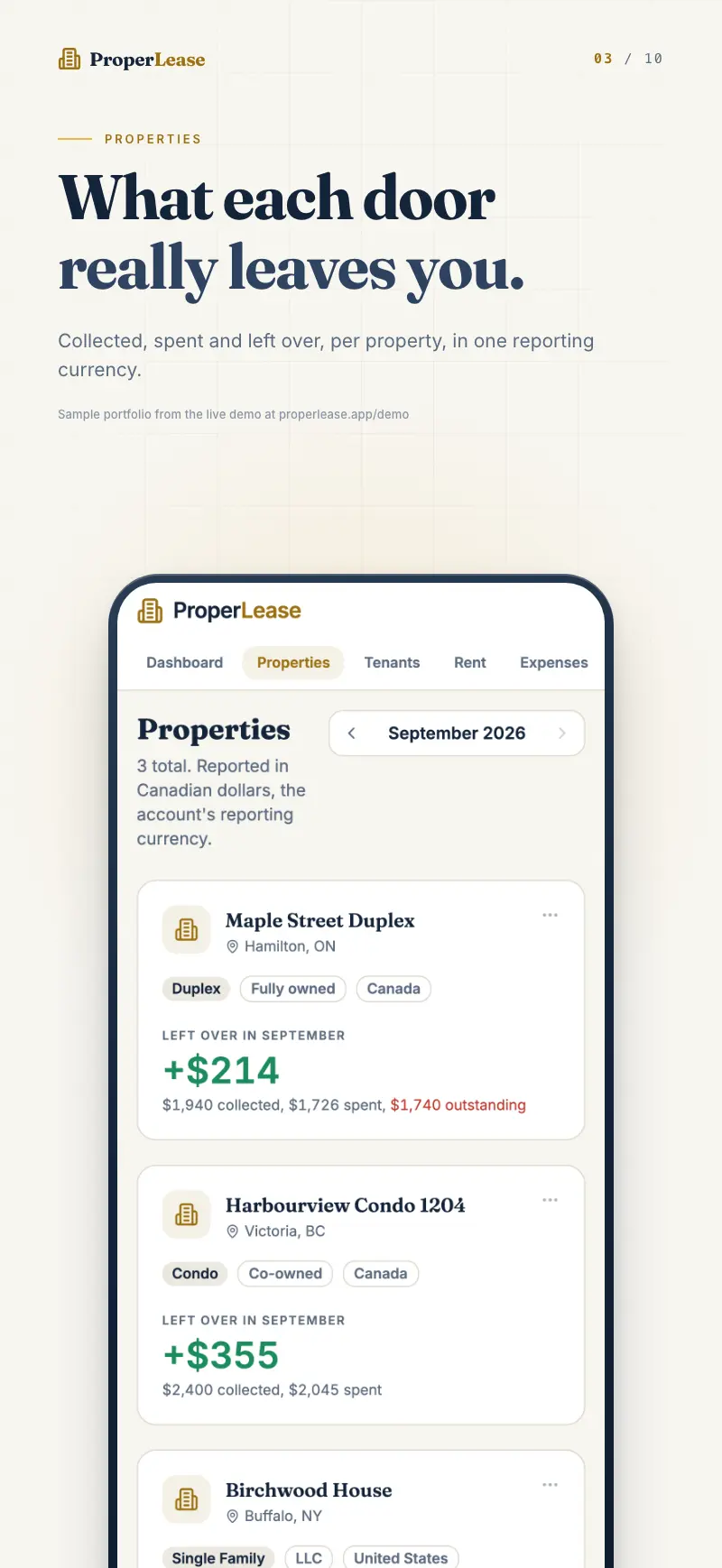
The Properties list is designed to be read at a glance. Without opening a single property, you can see which units are occupied, which are earning, and which need your attention this month. This page explains what each signal means and how to spot a property falling behind before it becomes a problem.
The occupancy bar
Every property shows an occupancy bar that fills in proportion to how many of its units are rented. A single family home is either empty or full. A fourplex with three tenants shows a bar that is three quarters full, so you can see at a glance that one unit is bringing in nothing.
Occupancy is driven by the unit count you set on the property and the tenants attached to it. Add a tenant to a unit and the bar fills a little more. When a tenant moves out, remove or end their record and the unit reads as vacant again.
Health badges
Next to each property is a health badge that summarizes how the property is doing this month at a glance:
| Badge | What it means |
|---|---|
| Healthy | Units are occupied and rent is coming in on time. Nothing needs your attention. |
| Behind | A tenant is late on rent, or expected rent has not fully arrived yet this month. |
| Issues | Something needs action, such as a tenant who is overdue or an open problem on the property. |
The badge is a rollup. On a multi unit property, one overdue tenant is enough to move the whole property off Healthy, which is exactly what you want: the badge points you to the building, and the tenant list inside points you to the person.
A quick weekly scan of the badges is often all the rent tracking a small landlord needs. Everything Healthy means there is nothing to chase. Anything Behind or Issues is a short, specific to do list.
The vacant filter
When you are focused on filling units, use the vacant filter to narrow the list to properties with empty units. This hides the fully rented, healthy properties so you can concentrate on the ones costing you money while they sit empty. Turn the filter off to see the whole portfolio again.
Rent this month versus expected
Occupancy tells you a unit is rented. It does not tell you the rent actually arrived. That is why each property also reflects rent collected this month against what is expected, the same idea that drives your dashboard.
A fully occupied property can still show as Behind if the rent has not come in yet. That gap between expected and collected is the earliest signal that a tenant is slipping, often before they are formally overdue.
Spotting a property falling behind
Put the signals together and a property in trouble is easy to catch early:
- Scan the badges. Anything not Healthy is worth a look.
- Open the property. A Behind or Issues badge takes you to the tenant list, where each tenant shows Paid, Behind, or Overdue.
- Find the tenant. The person behind the badge is the one marked Behind or Overdue.
- Act while it is small. Record a late payment as it arrives, or send a reminder before the gap grows.
Because the badge updates the moment you log a payment, a property snaps back to Healthy as soon as the rent lands. You are never guessing whether an issue is resolved.
Related
- Add and edit a property to set the unit count that drives occupancy.
- Turn rent tracking into true profit with real cashflow per property.
- Keep collections clean by learning to record rent payments.
Run your rentals with absolute clarity
ProperLease helps self-managing landlords in Canada and the US track rent, generate provincial and state leases, serve notices, and stay tax ready.