A property is the foundation everything else attaches to: tenants, leases, rent, expenses, and utilities all live under a property. Adding one takes under a minute, and filling in a few extra fields unlocks the cashflow numbers that make ProperLease worth using.
Add a property
- Open Properties and tap the plus button.
- Enter the address. This is how the property is labeled everywhere else in the app.
- Choose the type: single family, condo, duplex, or multi unit.
- Set the unit count. A single family home or condo has one unit, a duplex has two, and a multi unit building has however many you enter.
- Save. The property appears in your list right away.
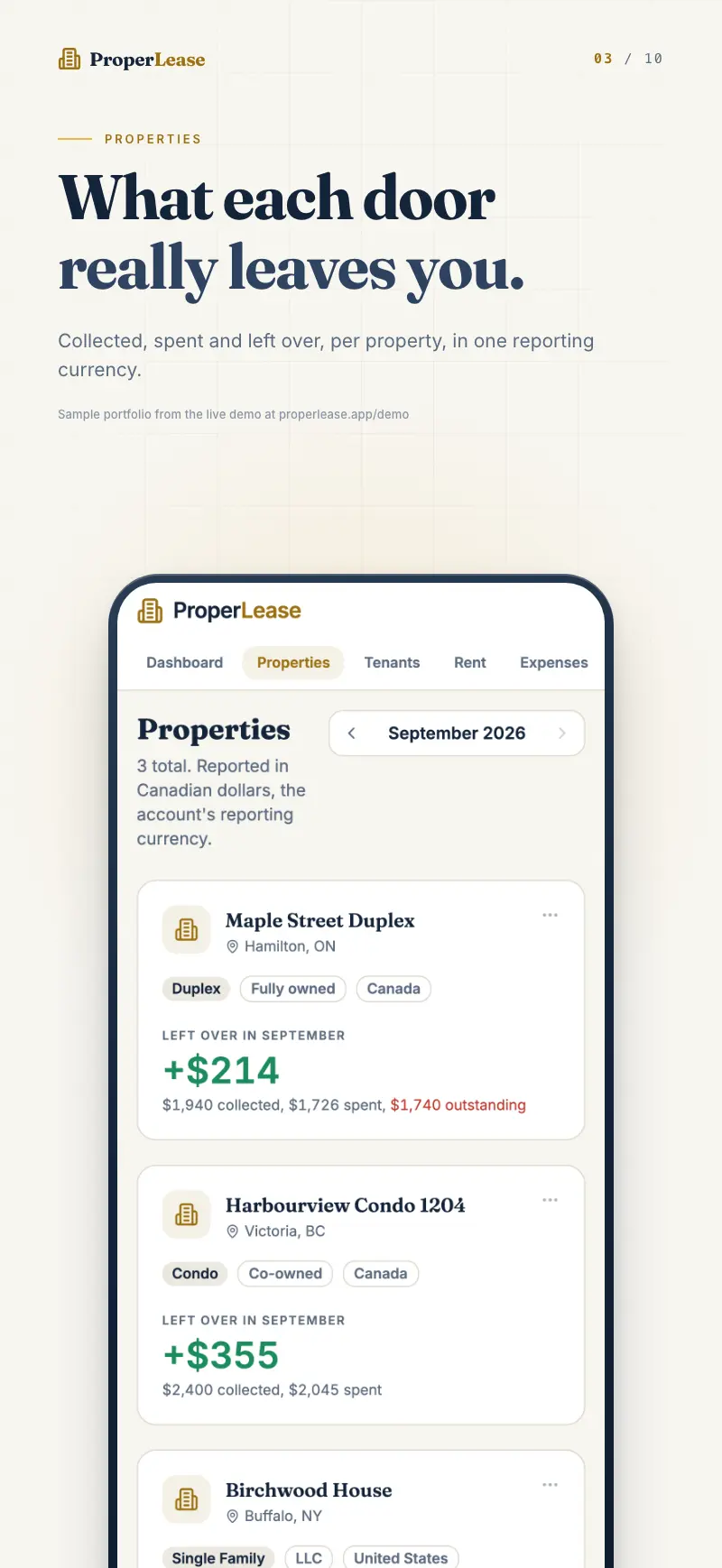
A brand new property has no tenants yet, so it shows as vacant until you add one. Head to Tenants to attach a tenant to a unit, and the occupancy bar fills in.
Edit a property later
Nothing you enter is locked. Open the property from the Properties list and edit any field: correct a typo in the address, change the unit count after a conversion, or add the purchase and cost details you skipped the first time. Changes sync across your iPhone and the web app immediately.
The unit count drives occupancy. A fourplex entered as one unit will always look fully occupied even when three units sit empty. If you convert or split a property, update the count so occupancy stays honest.
Unlock real cashflow
Rent collected tells you what came in. It does not tell you what a property actually earns after the mortgage and the bills. To get that, fill in the financial fields on the property form:
- Purchase date and price, which anchor your return on the property.
- Mortgage payment, the largest carrying cost for most landlords.
- Property tax, entered so it can be spread across the year.
- Insurance, the premium you pay to cover the property.
With these in place, the property detail shows an Actual Cashflow view: income from tenant payments minus mortgage, property tax, insurance, and utilities. That is the number that tells you whether a door is truly making money.
If you add a property in a hurry, you can skip the financial fields and come back later. Real cashflow simply stays hidden until the figures are entered, then it appears with no extra setup.
Without these fields, ProperLease still tracks rent collected versus expected and flags tenants who fall behind. The purchase and cost details are what turn that into true per property profit.
A note on multi unit properties
For a multi unit building, add the property once with the full unit count, then add a tenant to each occupied unit. Rent, occupancy, and health all roll up to the single property, while each tenant keeps an individual Paid, Behind, or Overdue status. You get the building level picture and the unit level detail at the same time.
Next steps
- Learn how to read occupancy and property health at a glance.
- See how real cashflow per property is calculated from the fields you entered.
- Ready for tenants? Add a tenant to your new property.
Run your rentals with absolute clarity
ProperLease helps self-managing landlords in Canada and the US track rent, generate provincial and state leases, serve notices, and stay tax ready.