If you rent out property in the United States, Schedule E is the form that carries your rental business onto your tax return. It attaches to Form 1040, and it does one thing well: it takes the rent you collected, subtracts the costs of earning it, and reports the net. Knowing what each category covers keeps your filing accurate and your deductions complete.
This guide walks through what Schedule E reports, the expense categories it lists, the important line between repairs and improvements, and where depreciation fits.
This is a plain overview of how Schedule E works. Rental tax rules have exceptions, so confirm the details with a tax professional before you file.
What Schedule E reports
Schedule E calculates net rental income or loss for each property you own. You enter the rents received at the top, list your expenses by category below, and the difference is your taxable result for that property. The form gives you separate columns for each property, so a three unit portfolio shows three distinct pictures rather than one blended total.
That per property view is not just an IRS formality. It is how you learn which doors actually earn and which quietly drain, so you can act before the next lease renewal.
Rental income
Rental income is every payment you received for the use of the property during the year. Beyond base rent, it includes amounts a tenant pays for parking or other services, any portion of a security deposit you keep as income, and fees such as late charges.
A true security deposit you intend to return is not income when you receive it, because you may owe it back. It becomes income only if and when you keep part of it. Keeping deposits separate in your records from the start prevents them from inflating your rental income by mistake.
The Schedule E expense categories
Schedule E lists deductible expenses in labeled categories. Log each cost to the right one and the form comes together quickly. This table shows the main categories with everyday examples.
| Schedule E category | Example costs |
|---|---|
| Advertising | Listing fees, ads to find tenants |
| Cleaning and maintenance | Turnover cleaning, landscaping, minor upkeep |
| Insurance | Landlord and liability policies |
| Mortgage interest paid to banks | Interest portion of the loan, not principal |
| Repairs | Fixing a leak, patching drywall, appliance repair |
| Supplies | Small items and materials for the rental |
| Taxes | Property taxes on the rental |
| Utilities | Water, gas, electric, trash you cover |
| Management fees | Property manager or leasing agent commissions |
| Depreciation | Yearly write down of the building's cost |
For a closer look at what qualifies and what does not, see what rental expenses are actually tax deductible.
Repairs versus improvements
This is the distinction that matters most on Schedule E. A repair keeps the property in the condition it is already in, and you deduct the full cost in the year you pay it. An improvement betters the property, adapts it to a new use, or restores it, and it must be capitalized and recovered through depreciation rather than deducted all at once.
Fixing a leaking pipe is a repair. Repiping the whole unit is an improvement. Patching a section of roof is a repair; a full new roof is an improvement. Replacing a broken appliance with a comparable one is usually a repair, while a kitchen renovation is an improvement. When in doubt, ask whether you fixed what was there or upgraded it, and confirm the treatment with your tax preparer.
Depreciation basics
Depreciation is how you deduct the cost of the building itself, spread across many years rather than in one hit. You cannot depreciate the land, only the structure and certain improvements. Residential rental buildings are generally depreciated over 27.5 years under the standard method.
Depreciation is powerful because it shelters rental income without any cash leaving your pocket that year. It also has a tail: when you sell, the IRS recaptures some of it. Because the calculation depends on your basis, the land split, and any improvements, depreciation is set up and maintained by you or your accountant. ProperLease organizes the rental income and operating expenses that feed Schedule E; the depreciation schedule sits alongside that, handled by your tax preparer.
Keep a clean per property record all year
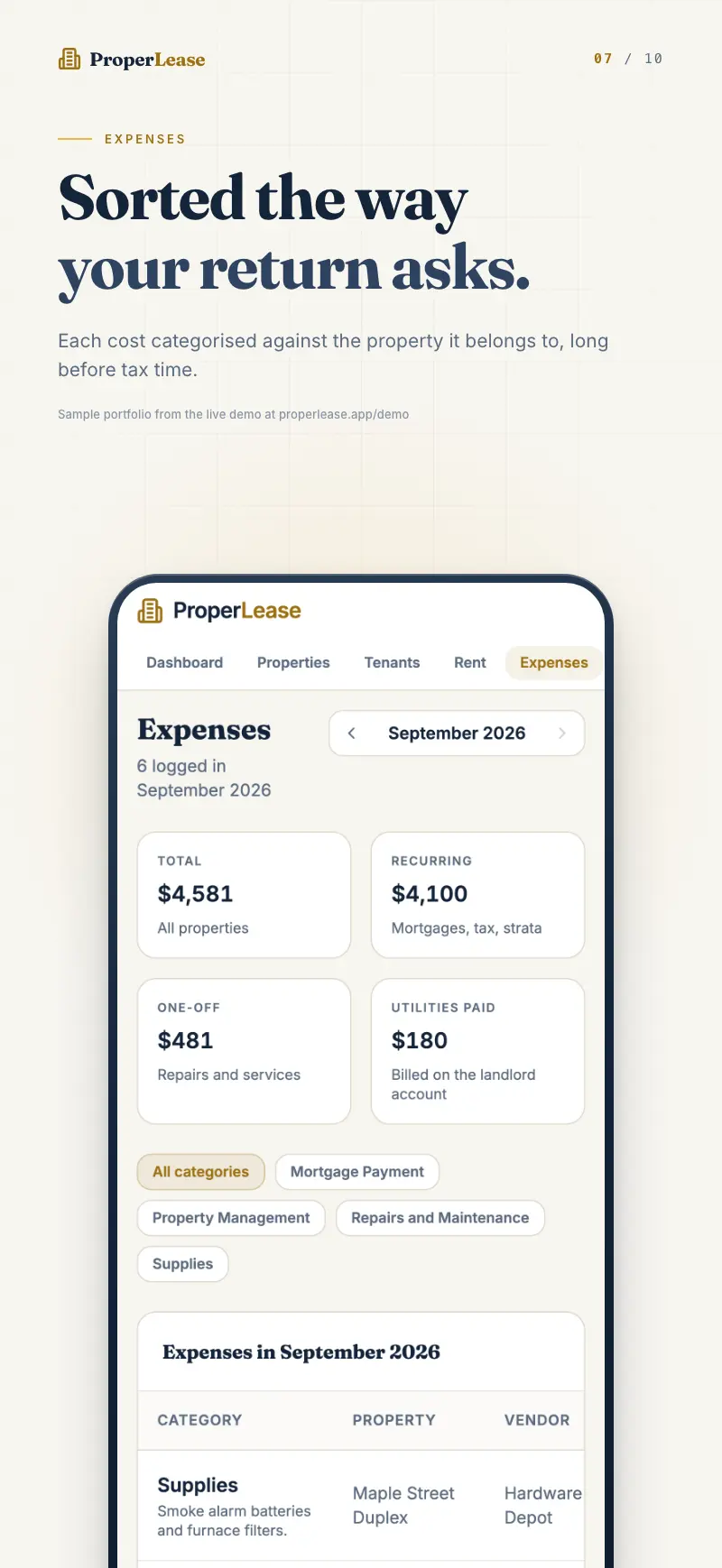
The single habit that makes Schedule E painless is recording each expense to the right property and category the moment it happens. A cost tagged in the app in June is a completed line in April. A receipt stuffed in a drawer is a decision you have to reconstruct under deadline.
ProperLease keeps every property's income and expenses separate, lets you flag each expense as deductible, one time or recurring, and can even create an expense automatically from a maintenance job so nothing slips through. When the year closes, the report exports with Schedule E aligned categories, ready for your preparer.
The track expenses guide shows how to set this up so your Schedule E is mostly written before tax season starts. Do the small thing all year and skip the big scramble at the end.
Frequently asked questions
What is Schedule E used for?
Schedule E, filed with Form 1040, is where US landlords report rental income and deduct operating expenses to arrive at net rental income or loss for each property.
Can I deduct my whole mortgage payment on Schedule E?
No. You deduct the mortgage interest, which appears on its own line, but not the principal portion. Principal repayment builds equity and is not a deductible expense.
Is a repair the same as an improvement for taxes?
No. A repair keeps the property in working order and is deducted in the same year. An improvement adds value or extends the property's life and is capitalized and depreciated over time.
Do I have to depreciate my rental property?
Depreciation is generally expected on residential rental buildings, and the IRS can treat it as allowable whether or not you claim it. Set up depreciation with your tax preparer so it is handled correctly.
Run your rentals with absolute clarity
ProperLease helps self-managing landlords in Canada and the US track rent, generate provincial and state leases, serve notices, and stay tax ready.