QuickBooks is a fine accounting package. It was built to run a business's books, not to manage rental property, and the difference shows the moment you need a lease, a deposit ledger, or a late rent notice. Most landlords who use it end up surrounding it with spreadsheets and Word templates to cover what it cannot do.
This is a practical guide to moving off it: what to export, how to import, how to confirm the numbers reconcile, and what you gain once the migration is done. Plan for an afternoon.
Why general accounting tools fit rentals poorly
A general ledger thinks in accounts and transactions. A rental business thinks in properties, units, tenants, and leases. That mismatch is not cosmetic, it is the whole job:
- No lease. QuickBooks cannot generate a compliant residential lease. You draft it elsewhere and store the PDF loosely.
- No deposit tracking. A deposit is money you owe back, not income. In a general ledger it becomes just another line, and at move out you are guessing what you hold.
- No per unit occupancy. There is no concept of a unit being vacant or occupied, so you cannot see occupancy or vacancy loss at a glance.
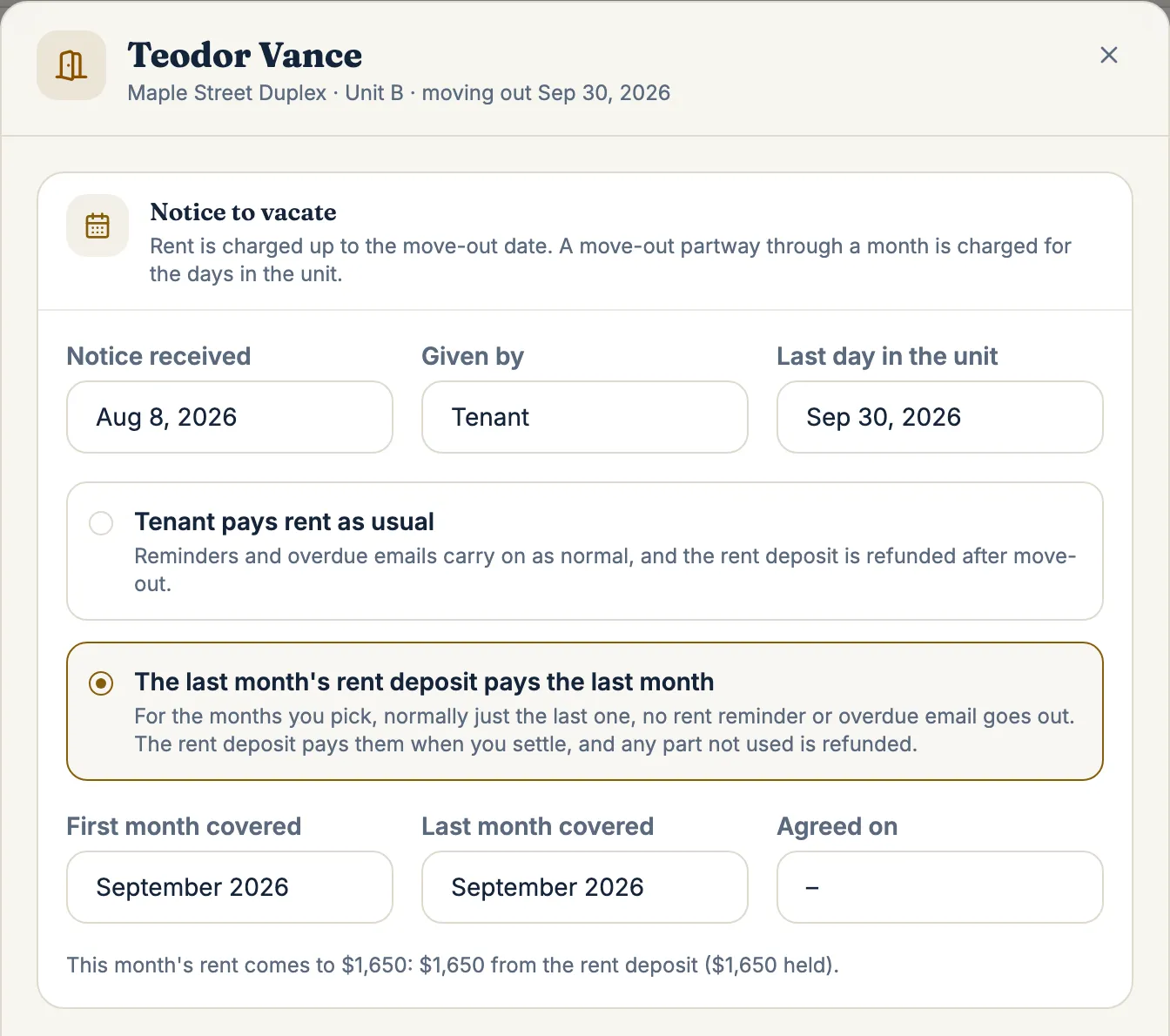
- No lease form, no notices. The provincial or state lease form is not something an accounting tool produces, and neither is a dated late rent or lease violation notice you can send and prove you sent. You hunt for a template, write the notice in your email client, and hope you can find it again.
You can force a rental into this shape, but you spend your time translating between how the tool thinks and how your business actually works.
QuickBooks is good at what it was designed for. The point is fit. A purpose built rental tool starts from properties and leases, so the records you need already exist instead of being reconstructed from a chart of accounts every year.
What to export from QuickBooks
Before you import, pull the data you already have. From QuickBooks or a spreadsheet you keep alongside it, export these to CSV:
- Chart of accounts or category list. So you can map income and expense categories to the right buckets.
- Properties. Addresses and unit counts, however you have them recorded, as classes, locations, or a side list.
- Tenants. Names, contact details, unit, and monthly rent.
- Payment history. Every rent payment with its date, amount, and which tenant or property it belongs to.
If some of this lives in a spreadsheet rather than QuickBooks itself, export that to CSV too. The importer reads a QuickBooks export or a plain CSV, so both paths work.
The step by step import
With your CSV files ready, the import itself is quick.
- Open Import. Choose your QuickBooks export or CSV file.
- Map the columns. ProperLease reads the file and lets you confirm which column is the address, the tenant name, the rent, the payment date, and so on. Good matches are suggested automatically.
- Map properties and tenants. Confirm that each property and each tenant landed on the right record, so payment history attaches correctly.
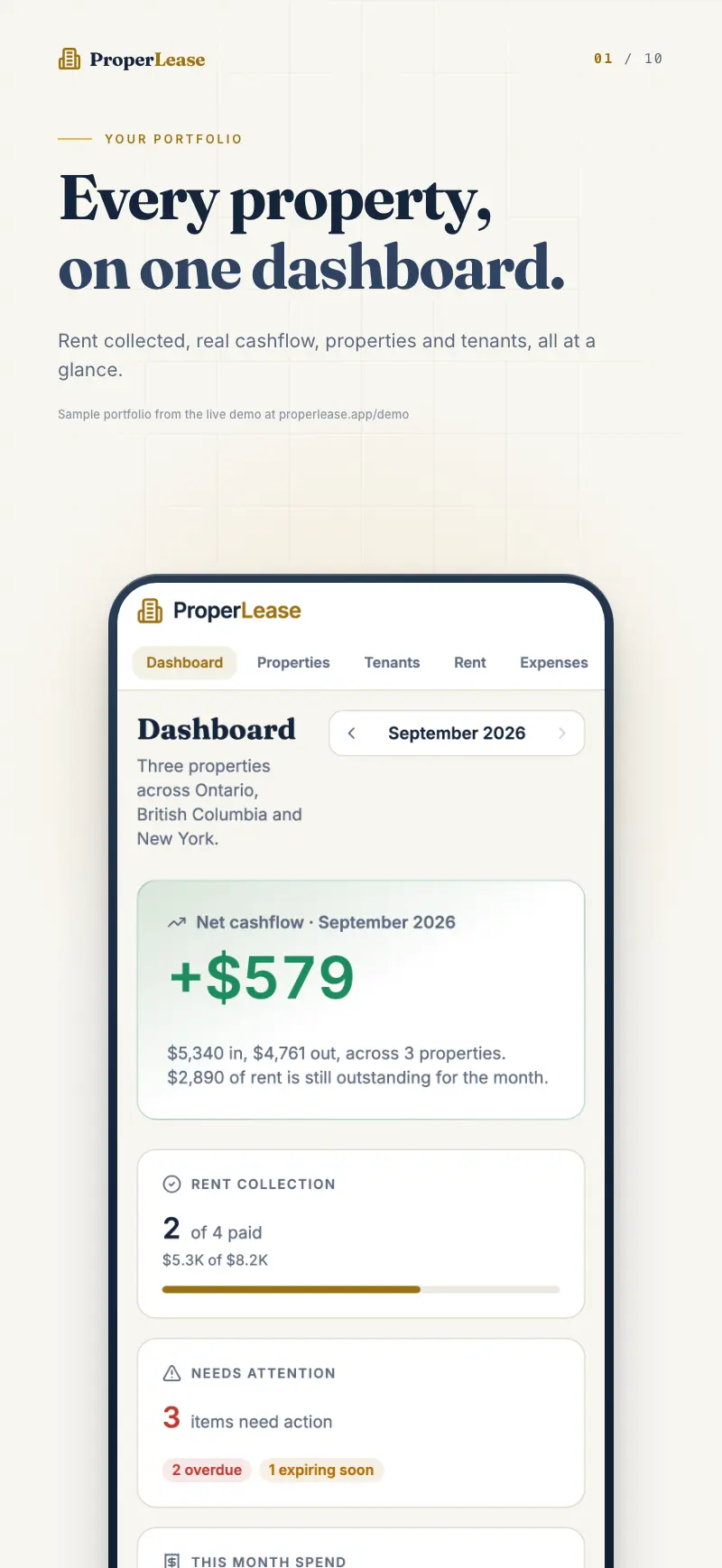
- Import payment history. Dated payments come across tied to the right tenant and property, preserving your year to date rent figures.
- Review. Spot check a few properties and tenants against what you saw in QuickBooks.
Because everything syncs between iPhone and web, you can start the import on the web app and check the result on your phone the same afternoon. For a fuller walkthrough, see import existing data.
Reconcile the numbers afterward
An import is only trustworthy once the totals match. Take a few minutes to confirm the migration reconciled:
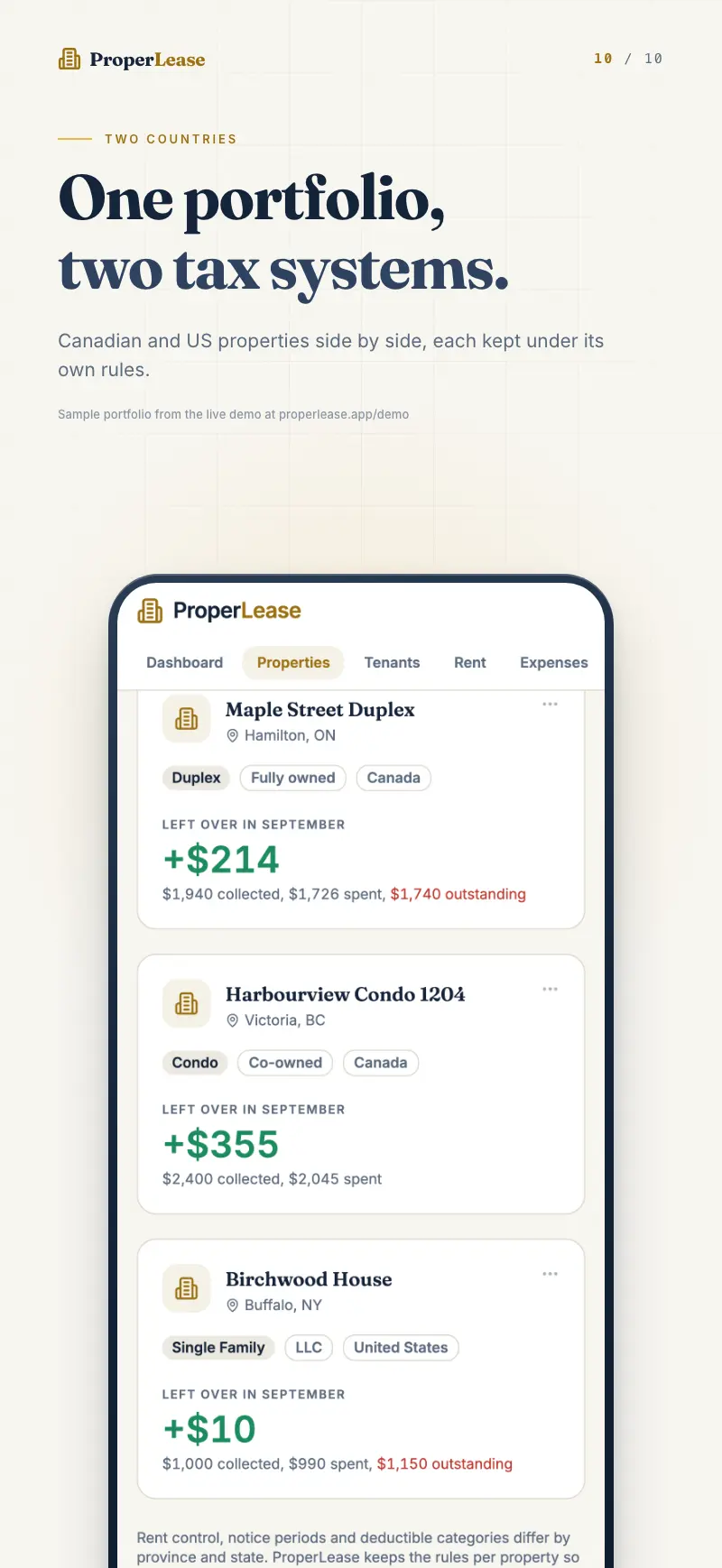
- Property and unit counts. Does the number of properties and units match what you had in QuickBooks?
- Tenant count and rents. Is every tenant present, on the right unit, at the right monthly rent?
- Year to date rent collected. Does the dashboard total for Year to date match the rent income QuickBooks reported for the same period?
- A sample tenant's history. Pick one tenant and confirm their payment dates and amounts line up entry for entry.
If a figure is off, it is almost always a column that mapped to the wrong field during import, which you can correct and re run. When the four checks above agree with your old books, the migration is done and you can trust the new numbers.
General accounting tool versus purpose built
The clearest way to see the difference is side by side.
| Capability | General accounting tool | Purpose built for rentals |
|---|---|---|
| Rent income tracking | Yes | Yes |
| Expense categories | Yes | Yes, with deductible tags |
| Lease documents | No, drafted elsewhere | Provincial government forms and state residential leases generated |
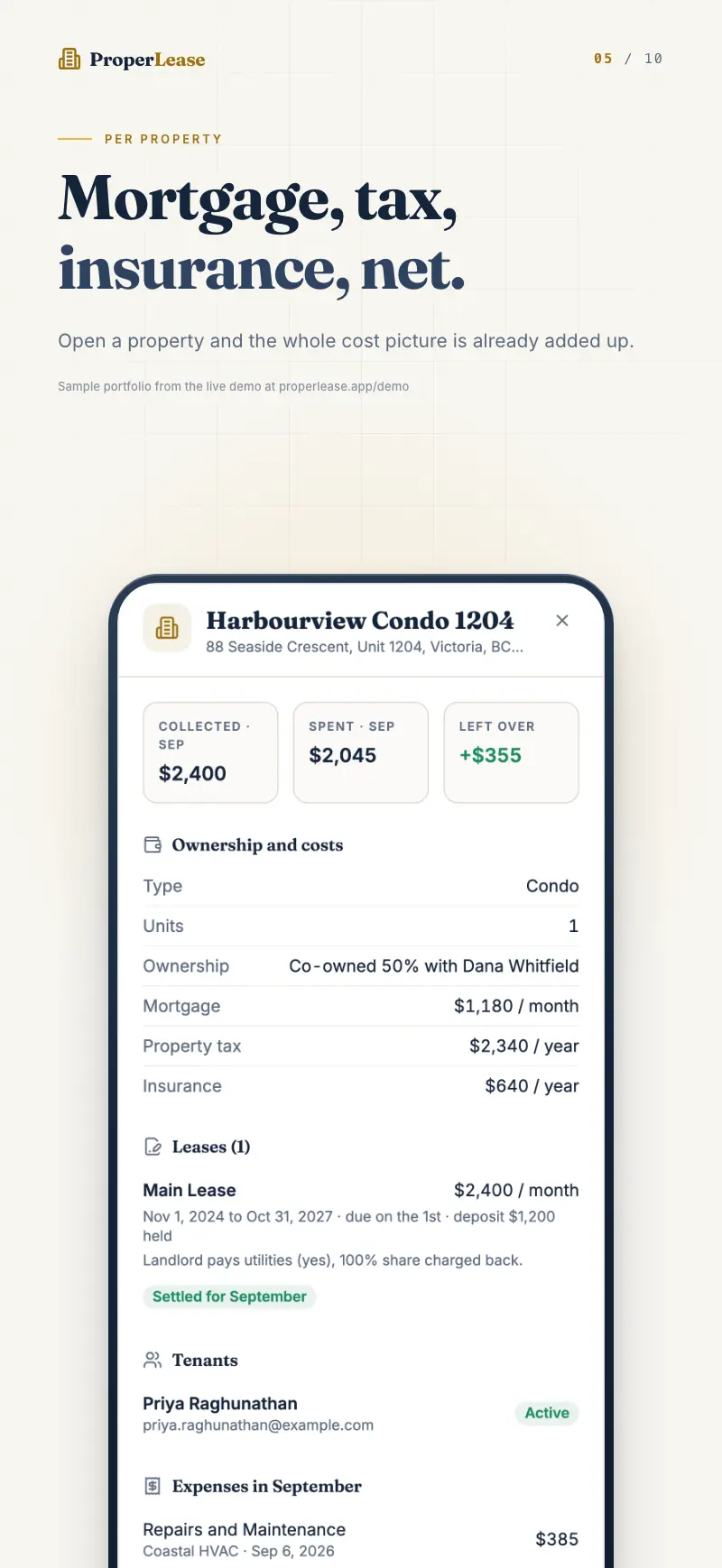
| Deposit tracking | Manual workaround | Tracked separately, owed back |
| Per unit occupancy | No | Occupancy and vacancy per unit |
| Jurisdiction notices | No | Late rent and other notices built in |
| Tenant status | No | Paid, Behind, or Overdue per tenant |
| Real cashflow per property | Manual | Automatic, income minus costs |
| Year end tax reports | Generic P&L | T776 and Schedule E aligned by property |
The left column can be made to work with enough spreadsheets bolted on. The right column already does the rental specific work, which is the point of switching.
What you gain
Once the migration is done, the parts you used to handle by hand are simply there. Leases generate for your province or state and store against the tenant. Late rent notices are built in rather than templated. Every tenant carries a status of Paid, Behind, or Overdue. Deposits are tracked as money you owe back, not buried in income. And at year end the report exports aligned to the T776 in Canada or the Schedule E in the US, by property, with no manual re categorizing.
That is the trade: an afternoon of exporting and reconciling, in exchange for a system that was built for the job. If you are coming from a spreadsheet rather than QuickBooks, the same import path applies, and why spreadsheets fail landlords covers why the move is worth making. When you are ready, create an account and start the import.
Frequently asked questions
Can I import my QuickBooks data into ProperLease?
Yes. Export your data to CSV or use a QuickBooks export, and the importer maps properties, tenants, and payment history. You do not retype anything or start from an empty account.
Why not just keep using QuickBooks for my rentals?
QuickBooks tracks money well but knows nothing about leases, deposits, per unit occupancy, or provincial and state notices. You end up bolting spreadsheets and templates onto it to cover the gaps that a rental tool handles natively.
How long does the migration take?
For most small landlords, an afternoon. The export takes minutes, the import maps your columns, and the rest is a quick reconciliation to confirm the totals match what QuickBooks showed.
Will my payment history come across?
Yes. Payment history imports as dated entries tied to the right tenant and property, so your rent record and year to date figures carry over rather than resetting.
Run your rentals with absolute clarity
ProperLease helps self-managing landlords in Canada and the US track rent, generate provincial and state leases, serve notices, and stay tax ready.