Almost every landlord starts with a spreadsheet. It is free, it is familiar, and for the first few months it feels like plenty. One tab for rent, one for expenses, maybe a column for deposits. Then the portfolio grows, a tenant pays late, tax season arrives, and the cracks show all at once.
This is not an argument that spreadsheets are useless. It is an honest look at where they fail the specific job of managing rental property, and what a system needs to do instead.
A spreadsheet has no memory
The core problem is that a spreadsheet stores a number, not a history. When you overwrite a cell, the previous value is gone. You know a tenant owes rent this month, but you cannot easily answer questions that matter:
- How many times has this tenant paid late in the past year?
- What was the exact balance owing on the day you sent the last reminder?
- When did the deposit get collected, and how much of it is still held?
Property management is a timeline, not a snapshot. The moment you need to prove what happened and when, a single overwritten cell leaves you guessing. A proper ledger keeps every payment as a dated, permanent entry, so the history is always there when you need it.
The math is only as good as the person maintaining it
Spreadsheet totals depend on formulas that quietly break. Someone inserts a row and the SUM no longer reaches it. A figure gets typed into the wrong column. A month gets skipped during a busy stretch and never backfilled.
None of these errors announce themselves. You discover them at the worst possible time, when the collected total does not match your bank account or when your accountant asks why two months are missing. Because the numbers look plausible, the mistakes hide in plain sight.
Every landlord who keeps a spreadsheet spends a few minutes here and there reconciling it. Those minutes are the cheap part. The expensive part is the deduction you forget to claim, the late fee you never charged, and the deposit you cannot account for.
It produces numbers, not documents
A rental business runs on documents. A lease that holds up. A late rent notice served the correct way. A deposit return statement itemizing what you kept and why. A year-end summary your accountant can actually use.
A spreadsheet produces none of these. It gives you a total, and then you open a separate word processor, hunt for a template, and hope it is compliant in your province or state. The gap between your records and the paperwork you need is exactly where disputes and penalties live.
What to track instead
Whether you use dedicated software or not, these are the records that actually protect a landlord. If your current system cannot produce all of them on demand, it is doing less than you think.
| Record | Why it matters |
|---|---|
| Expected rent vs collected | Tells you instantly who is behind, not at month end |
| Every payment, dated | Builds the history a dispute or audit will demand |
| Deposits held | Separates money you owe back from money you earned |
| Lease terms and dates | Surfaces renewals and expiries before they lapse |
| Deductible expenses | Turns receipts into a tax deduction you actually claim |
| Utilities you cover | Recovers costs you would otherwise eat quietly |
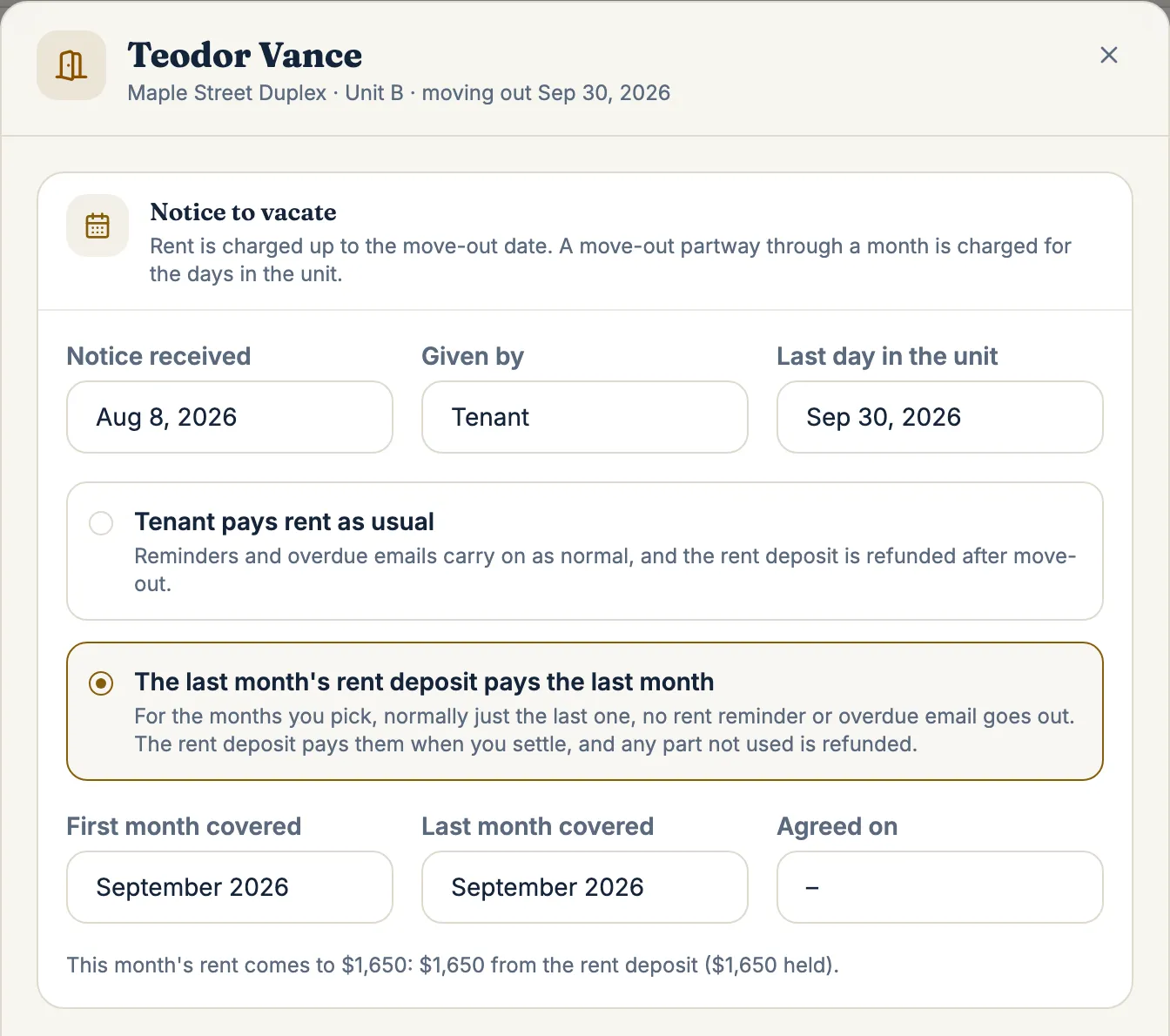
| Notices and reminders sent | Proves you followed the correct process, on the correct date |
From a tab you forget to a dashboard you trust
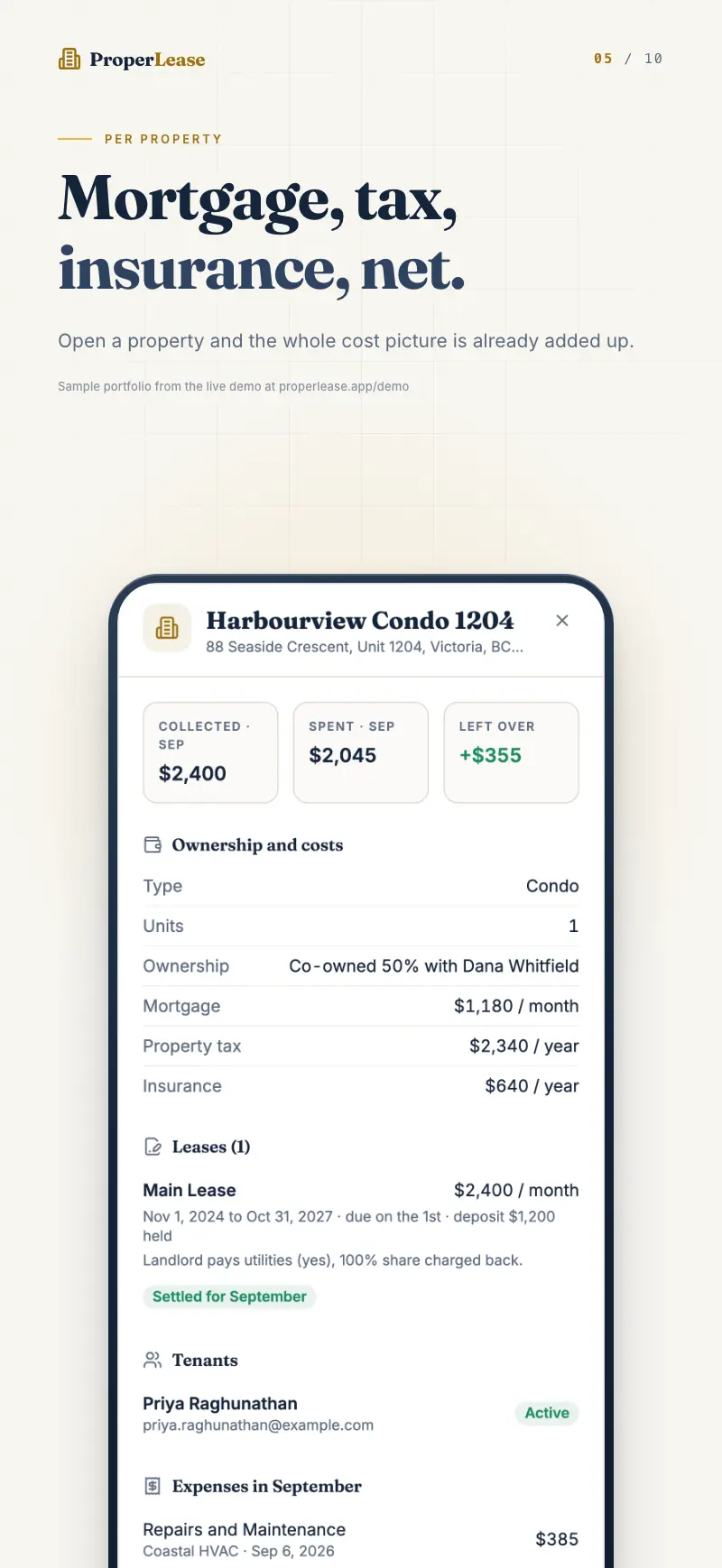
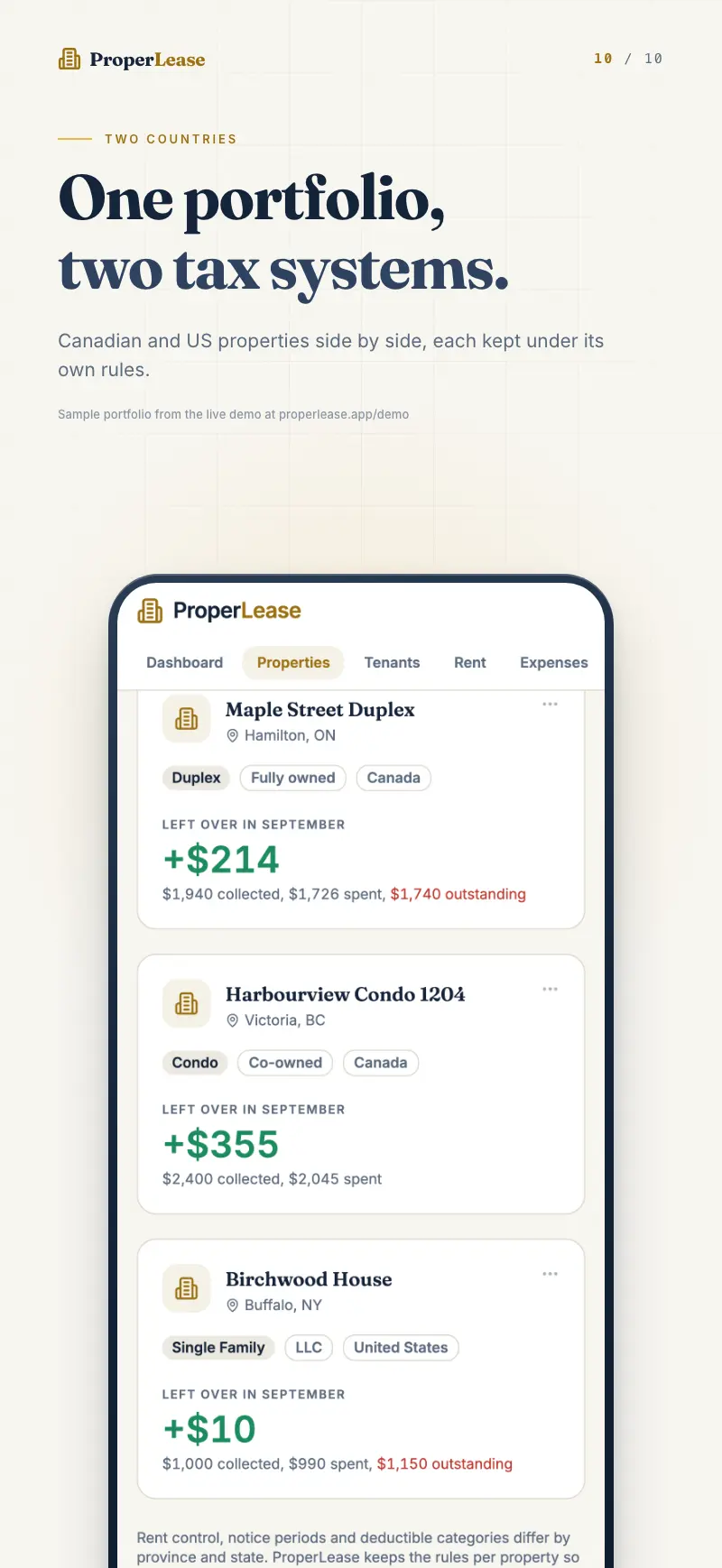
The reason a system beats a spreadsheet is not that it is fancier. It is that the records connect. A payment is tied to a tenant, a tenant to a lease, a lease to a property, and a property to your cashflow. Update one thing and everything downstream stays correct, because you are not copying numbers between tabs by hand.
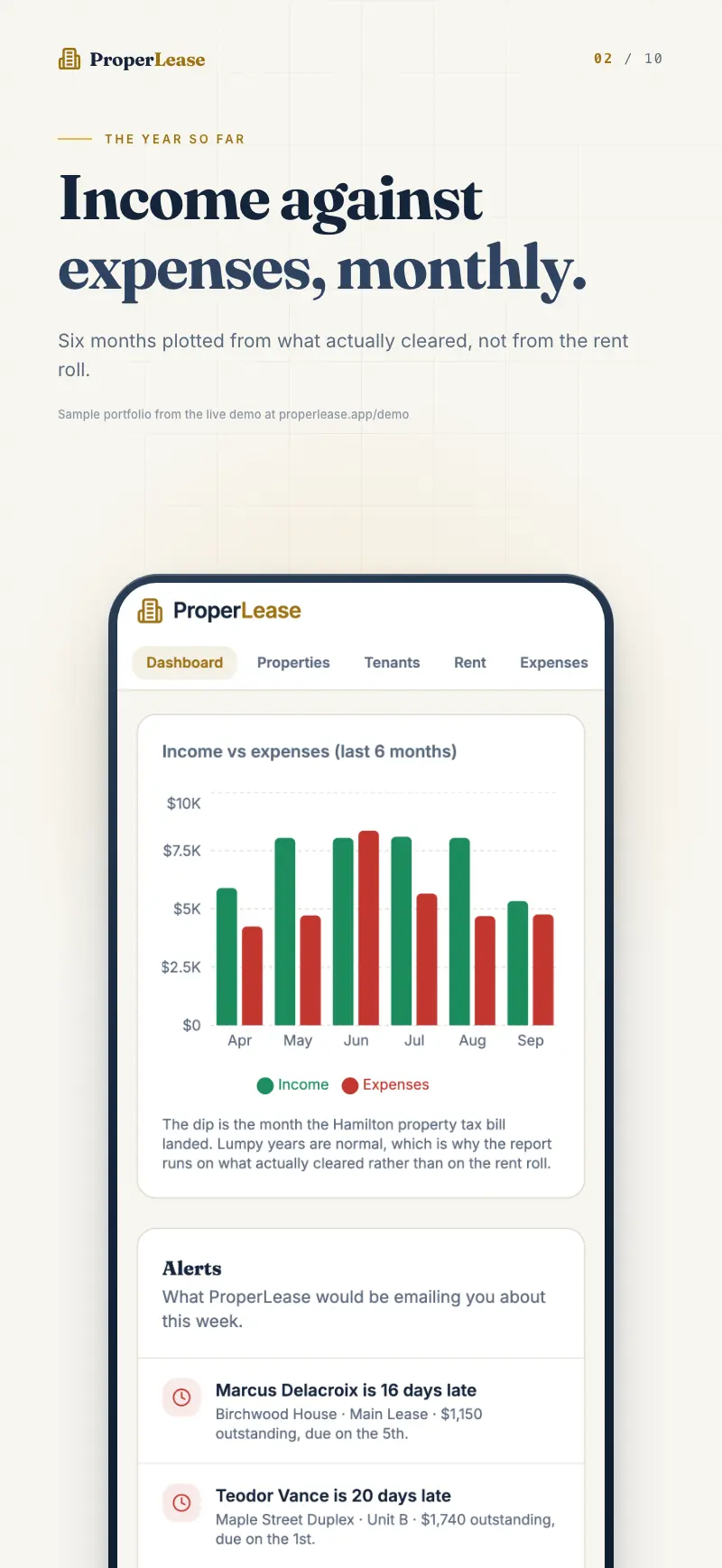
That is what turns scattered data into a dashboard you can trust: rent collected against what is owed, real cashflow per door, and a paper trail that is already written when you need it.
If you are ready to move, you do not have to start over. Export your spreadsheet to CSV, import it, and pick up where you left off with a system that finally remembers everything you do.
Frequently asked questions
Is a spreadsheet good enough for one or two rental units?
For a single unit with a reliable tenant, a spreadsheet can work for a while. The trouble starts when you add a second unit, hit a late payment, or face a deposit dispute, because a spreadsheet keeps no reliable history and produces no documents.
What should a landlord track besides rent?
Track expected rent versus collected rent, deposits held, lease start and end dates, deductible expenses, utilities you cover, and a dated record of every notice or reminder sent. Those are the records that protect you at tax time and in a dispute.
How do I move my data out of a spreadsheet?
Export your spreadsheet to CSV and import it. ProperLease reads a CSV or a QuickBooks export and maps your properties, tenants, and payments so you do not start from scratch.
Run your rentals with absolute clarity
ProperLease helps self-managing landlords in Canada and the US track rent, generate provincial and state leases, serve notices, and stay tax ready.